Turn Your DigiCard into a Mini Portfolio: A Practical Guide for Freelance Designers and Creatives
Step-by-step guidance for graphic designers, photographers and video creators on building a mobile-friendly mini-portfolio inside a DigiCard — including galleries, embedded video, testimonials and enquiry forms to replace bulky PDF portfolios when pitching clients.

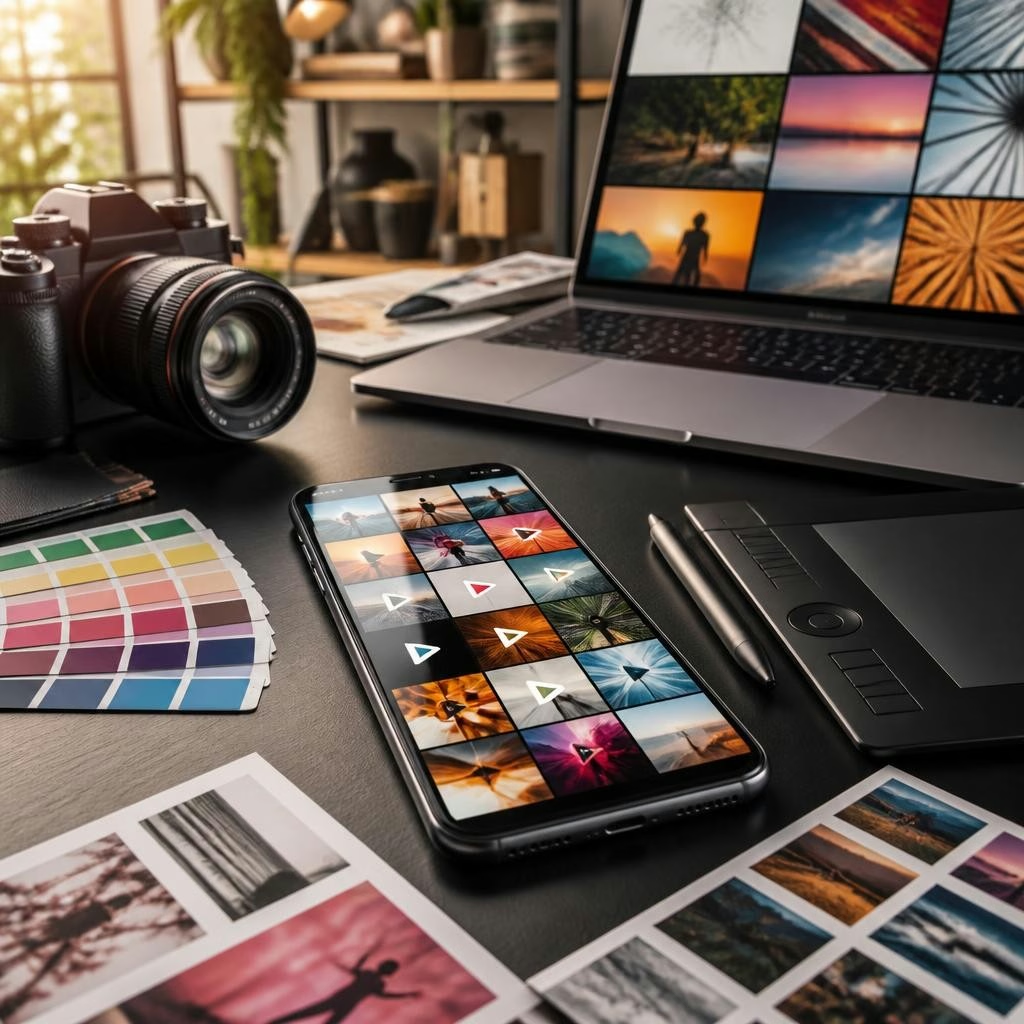
Why move from PDF portfolios to a DigiCard mini-portfolio
PDF portfolios are familiar, but they can be large to email, hard to update, and awkward to view on phones. A DigiCard mini-portfolio gives a single mobile-first page that opens instantly by link, NFC tap or QR scan. This lowers friction when you pitch, keeps your work current without resending files, and presents project images, video and contact options in one place — all accessible from a client’s phone or desktop.
Plan the structure: key sections every mini-portfolio needs
Treat the DigiCard like a single-page website: lead with a concise hero (one-line specialty and a strong hero image), follow with a curated gallery of 6–12 best projects, include a short showreel or highlight video, add client testimonials, list services/offers, and finish with a visible enquiry or booking form and contact actions (call, email, WhatsApp). Keep navigation simple and position your most persuasive work near the top so a busy client sees your strengths at a glance.
Organise image galleries for different creative specialities
Group images by type or client: for example, portraits, commercial shoots and stylised editorials for a photographer; branding, packaging and web mockups for a graphic designer. Use clear thumbnails with short captions describing your role, tools used, and a one-line outcome (e.g., ‘branding for boutique café — identity & packaging’). Optimize for mobile by exporting images at web-friendly resolutions and reasonable file sizes (JPEG/PNG), and prefer wider aspect ratios that read well on phones.
Embed video effectively without slowing the page
For videographers and motion designers, a short highlight reel (30–90 seconds) does more than a long showreel. Host full videos on platforms such as YouTube or Vimeo and embed them so playback is smooth on mobile. Add a short text intro and timestamps or project links below the player to direct clients to related case studies. If you offer video services, include a brief explainer clip that outlines your process and turnaround — clients often respond to a concise visual demonstration of capability.
Use testimonials and case notes to build trust
Select 2–4 concise testimonials that highlight results and working style rather than generic praise. Present each testimonial with a project thumbnail and a two-line summary of the challenge and outcome. If you’ve worked across cities or sectors, note the client’s industry (e.g., hospitality, e‑commerce) rather than personal details. Reviews of the DigiCarda team point to helpful support during setup — use that assistance to format testimonials and position them where they reinforce your strongest case studies.
Add enquiry forms and calls-to-action to convert interest
Replace passive contact details with an enquiry form tailored for briefs: request project type, budget range, timeline and a brief description. Combine the form with quick-call actions and a button to download a one-page brief or pricing PDF if needed. Use a clear CTA such as ‘Request Quote’ or ‘Schedule a 10‑minute Call’. Where available, integrate simple lead-capture features so incoming enquiries can be followed up promptly; the platform’s setup support can help ensure form fields and email notifications work for your workflow.
Share, tailor and follow up: practical examples and next steps
Make sharing effortless: carry an NFC card, display a QR at meetings, and paste your DigiCard link into proposals and social bios. For example, a Mumbai wedding photographer can create a wedding gallery and a booking form; a Bengaluru graphic designer might show branding case studies and embed a 60‑second explainer video; a New Delhi videographer can present a showreel plus client testimonials. After initial contact, update the DigiCard with additional project samples or a tailored case study and resend the same link — no attachments required. If you want help setting up a portfolio layout or embedding media, the DigiCarda team has been noted by customers for prompt, professional assistance; consider requesting a demo to see layout options and get hands-on support.
Customer review


Article by
DigiCarda: Digital Visiting Card | Digital Business Card
DigiCarda - is a fully interactive, mobile based Digital Business Card Mini Website Brochure and so much more Call: 81110 81114 For Demo today !! 3 Ways To Share: 1. Share your card to anyone via a link. 2. Tap your NFC Card to Another Phone. 3. Scan QR Code to open the card. We are one stop solution for your Digital Visting Card. Digital Business Card or you Digital Landing page needs. Our digital business card platform makes designing a card simple, convenient, and reliable. This is a business card that is smart elegant and affordable. All in One: Digital Visiting Card Mini Website Personal Profile Page Landing Page Get in touch today!!