Make Your DigiCarda Link the One-Click Profile on WhatsApp, Instagram and Google
Practical guidance for Indian business owners on placing a DigiCarda-style digital visiting card link across WhatsApp Business, Instagram and Google Business Profile so prospects view your up-to-date services, contact options and mini website in one tap.
Why a single digital visiting card link matters
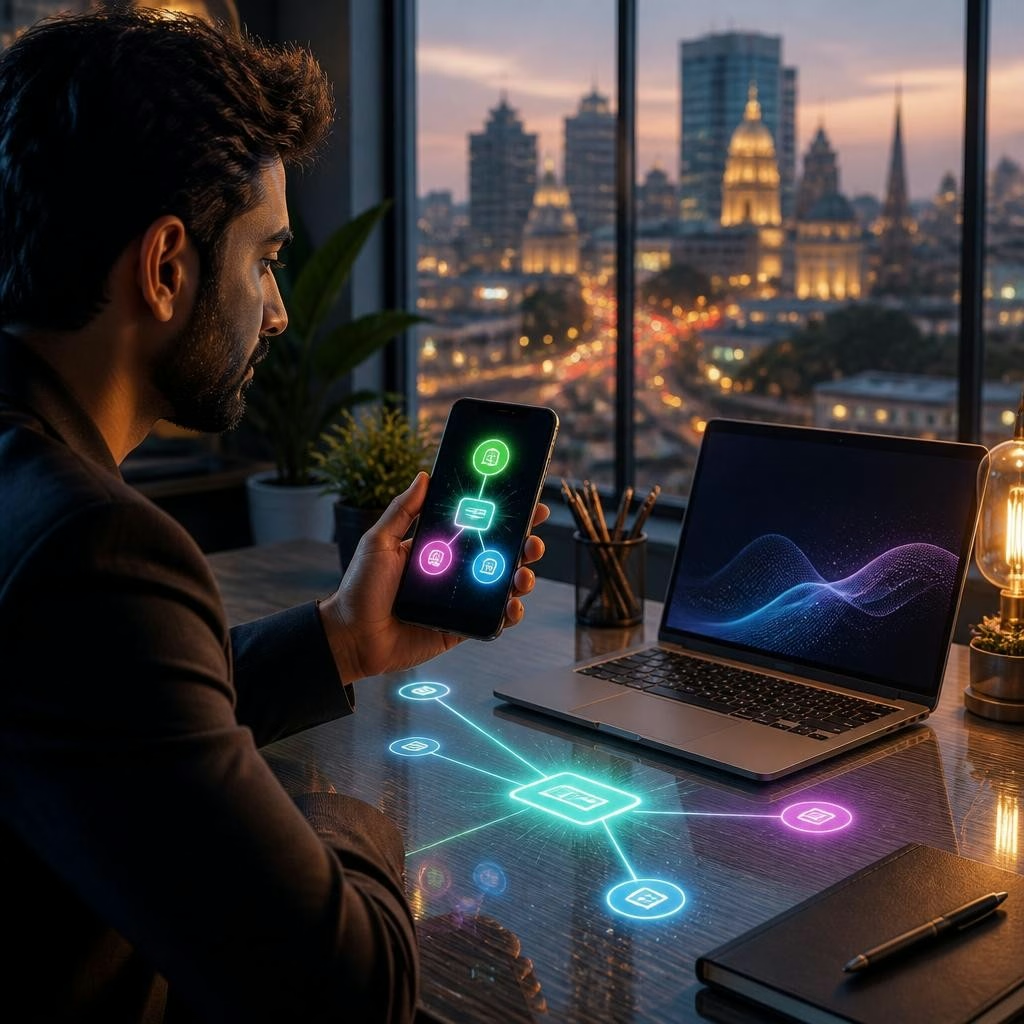
A single, shareable digital visiting card (a DigiCarda-style link or mini website) becomes your consistent business profile across platforms. Instead of sending different PDFs or repeating contact details, a single link gives prospects instant access to services, phone numbers, email, social links, a professional photo or logo, and a mini website. For businesses—from consultants in Mumbai to salons in Bengaluru and exporters in Delhi—this reduces friction, keeps information current and projects a modern, paperless brand image.
Core benefits to highlight before you link
Before placing the link on profiles, confirm the card presents the essentials: clear service list, multiple contact options (tap-to-call, email), social links, and a visible call-to-action (book, message or visit). Use the card’s QR and NFC options for in-person sharing and ensure the card’s design reflects your brand: logo, colour, and a concise tagline. Customers repeatedly praise fast, well-organised cards and helpful onboarding — evidence that a polished card improves first impressions and trust.
Adding your DigiCarda link to WhatsApp Business
WhatsApp Business is often the first touch for Indian customers. Add your DigiCarda link to the Website field in your Business Profile so it appears on your listing. Include the same link in automatic greeting messages, quick replies or pinned chats to make it one tap away during conversations. For walk-in or networking situations, share the card link directly in a message or use the card’s QR/NFC to avoid typing numbers; this keeps follow-ups consistent and reduces errors in contact transfer.
Putting the link on Instagram for discovery
Instagram relies on a single bio link and story/link sticker tools. Place your DigiCarda link in your bio so visitors from posts, reels or profile visits land on your up-to-date business page. For frequent updates or campaigns, use the story link sticker to send followers directly to specific sections of your card (offers, portfolio or booking). This approach benefits photographers in Pune, boutique stores in Jaipur and freelancers across India who use Instagram as a discovery channel.
Using Google Business Profile to surface your card
On Google Business Profile, add the DigiCarda link to your website field so searchers see it on Maps and Search results. You can also include the link in business posts or the services area where applicable. This ensures customers who find you via local search see the same, current profile and contact options as they would from your social channels—helpful for neighbourhood services and businesses that rely on local search across Indian cities.
Practical best practices and lead capture ideas
Keep the card updated: revise services, working hours, and offers as they change. Promote the same link on email signatures, digital invoices and printed materials (via a QR code) so offline leads convert online quickly. Use the card’s mini website or landing page to host simple contact forms or booking links that funnel enquiries to your inbox or CRM—this creates a lightweight lead-capture flow without complex setup. Offer NFC-enabled physical cards at events to let prospects tap and save your profile instantly, preserving your brand while eliminating paper waste.
Getting started and the value of supportive onboarding
Start by creating a concise DigiCarda link with your core services, contact methods and a clear call-to-action. Test it on WhatsApp, Instagram and Google to confirm the appearance and functionality. Many customers report that expert support and quick setup make the difference when adopting a digital card—one recent reviewer highlighted how having all information organised under one roof made the service especially handy. If you want to keep your profiles consistent and modern across platforms, a single digital visiting card is an efficient first step.
Customer review


Article by
DigiCarda: Digital Visiting Card | Digital Business Card
DigiCarda - is a fully interactive, mobile based Digital Business Card Mini Website Brochure and so much more Call: 81110 81114 For Demo today !! 3 Ways To Share: 1. Share your card to anyone via a link. 2. Tap your NFC Card to Another Phone. 3. Scan QR Code to open the card. We are one stop solution for your Digital Visting Card. Digital Business Card or you Digital Landing page needs. Our digital business card platform makes designing a card simple, convenient, and reliable. This is a business card that is smart elegant and affordable. All in One: Digital Visiting Card Mini Website Personal Profile Page Landing Page Get in touch today!!