How to Turn Your Digital Visiting Card into a Mini Website and Landing Page
Practical guidance for Indian businesses on expanding a DigiCarda digital visiting card into a brochure‑style mini website or landing page with services, galleries, testimonials and enquiry forms — plus sharing and lead‑capture tips.
Why convert a contact card into a mini website?
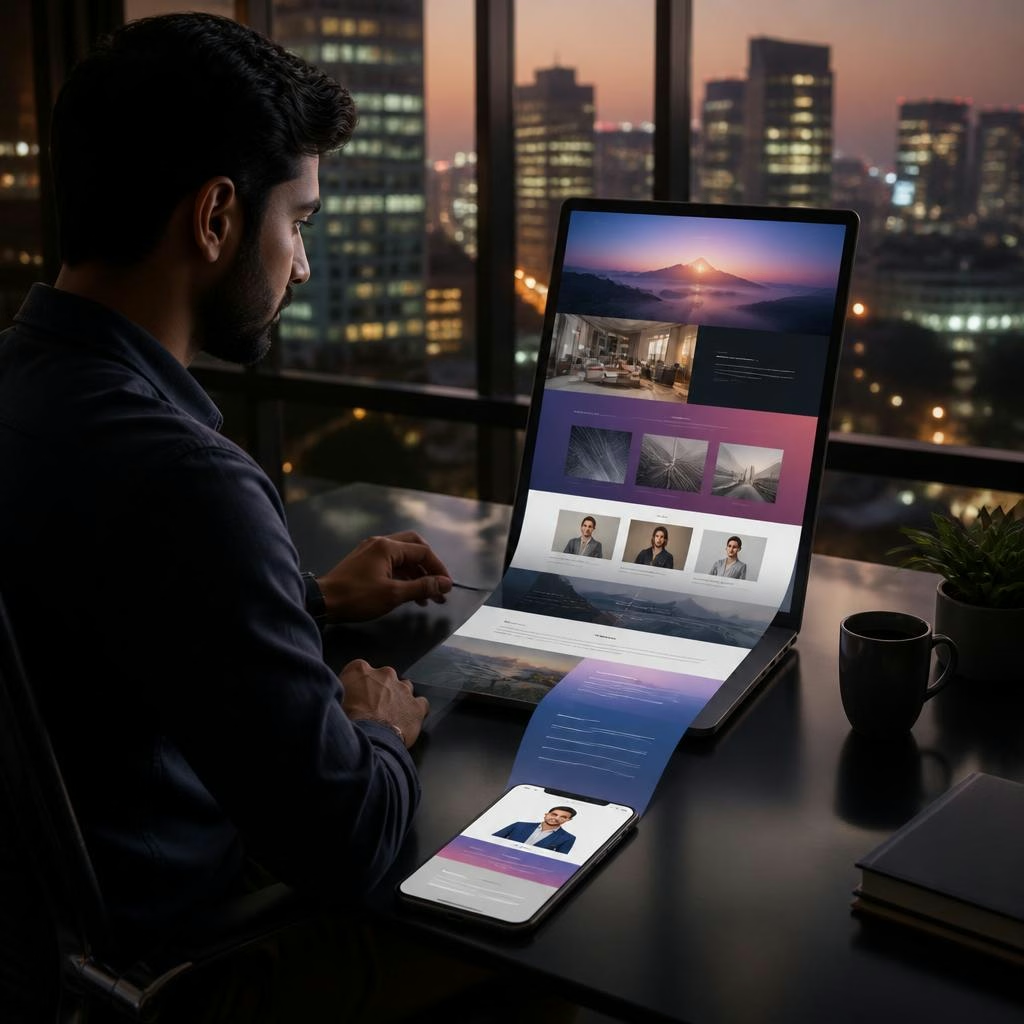
A digital visiting card is ideal for sharing contact details quickly, but a mini website or landing page turns that single contact point into a compact online presence. A brochure‑style page lets you present services, images, pricing hints, testimonials and a clear enquiry route — all without a full website. For businesses across India, this means paperless networking, stronger first impressions, and the ability to capture leads immediately from a single link, QR or NFC tap.
What a DigiCarda mini website can include
Using DigiCarda you can expand from a simple contact card to a multi‑section mini website that functions like a digital brochure. Common elements customers add are: a service list or specialties, a visual gallery or portfolio, short product or service descriptions, client testimonials, an enquiry or contact form, embedded video or brochure files, social links and clear call‑to‑action buttons. These building blocks keep information focused and easy to scan on mobile devices.
Plan your content: structure and priorities
Before you start editing, decide what visitors must see within seconds: your primary service, one signature image, and a single action (call, WhatsApp, or enquiry form). Next, arrange supporting sections such as detailed services, a small gallery, and a few testimonials. Keep text concise and use headings to help mobile viewers scan. If you rely on a sales team, add a prominent ‘Request Quote’ or ‘Book a Demo’ button to channel enquiries efficiently.
Step‑by‑step: turn your DigiCarda into a landing page
1) Choose the layout or let the DigiCarda team help design the mini website. 2) Add a headline and brief sub‑headline describing what you offer. 3) Populate sections: services, images, testimonials and any short videos or PDF brochures. 4) Create an enquiry form or add direct contact links (phone/WhatsApp/email) so visitors can reach you instantly. 5) Review on mobile, edit for clarity, and publish. Many customers report that the process is quick and smooth, with the team supporting a rapid, seamless setup.
Optimise the page to capture leads
To get more enquiries from your mini website, make the call‑to‑action obvious and low friction: use short forms (name, contact, brief message), add a tappable phone or WhatsApp link, and consider offering a downloadable brochure or introductory offer in exchange for contact details. Label buttons clearly (for example: ‘Get Quote’, ‘Book Free Call’) and place one primary CTA above the fold and one at the end of the page so mobile users always have a next step.
Sharing methods: link, QR code and NFC
DigiCarda supports three simple sharing methods: a direct link, a scannable QR code, and NFC cards that can be tapped to transfer the mini website. Use the link in email signatures and social profiles, display the QR code on printed materials or shop windows, and carry an NFC card for in‑person networking. Customers consistently praise the convenience and speed of creating cards and mini websites, noting how easy it makes sharing all business information from a single hub.
Use cases across sectors and next steps
Mini websites suit many businesses — consultants who need a professional one‑page profile, salons and studios that want a visual gallery, manufacturers or exporters who need a quick product overview, and freelancers who rely on instant contact. DigiCarda’s platform also supports related services such as digital marketing and web development if you later want to expand. To get started, request a demo (the team offers guided setup) or create your card and gradually add sections as you collect images and testimonials.
Customer review


Article by
DigiCarda: Digital Visiting Card | Digital Business Card
DigiCarda - is a fully interactive, mobile based Digital Business Card Mini Website Brochure and so much more Call: 81110 81114 For Demo today !! 3 Ways To Share: 1. Share your card to anyone via a link. 2. Tap your NFC Card to Another Phone. 3. Scan QR Code to open the card. We are one stop solution for your Digital Visting Card. Digital Business Card or you Digital Landing page needs. Our digital business card platform makes designing a card simple, convenient, and reliable. This is a business card that is smart elegant and affordable. All in One: Digital Visiting Card Mini Website Personal Profile Page Landing Page Get in touch today!!