How Small Businesses in Delhi Can Turn a DigiCarda Digital Card into a Lead-Generating Mini Website
A practical guide for Delhi shop owners, freelancers and small agencies on structuring a DigiCarda digital business card as a focused, mobile-first mini website that captures leads without the cost of a full site.
Why a digital card can act as a mini website
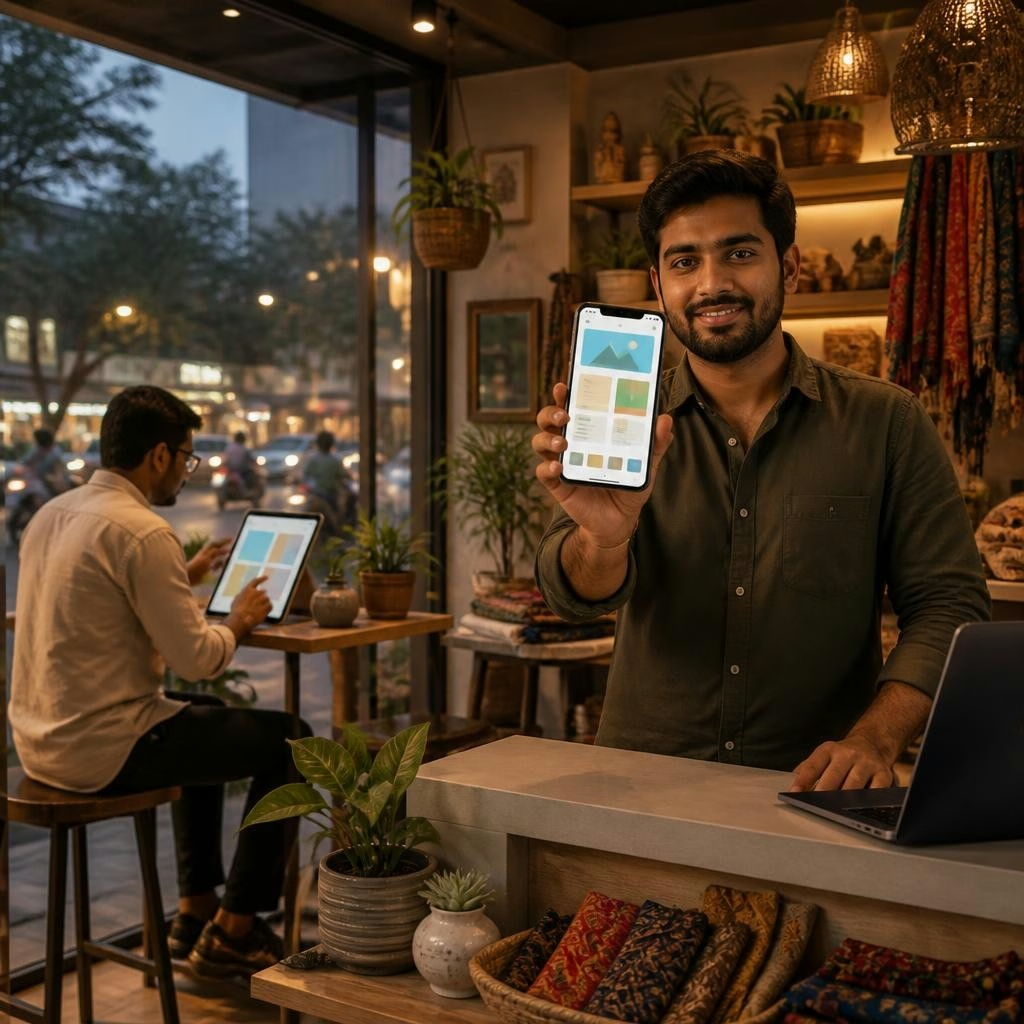
Mobile-first digital cards are an efficient alternative to basic websites for many small businesses. DigiCarda combines a shareable link, QR code and NFC card access with a mini website layout and brochure-style pages, so prospects get a full business overview on their phone in seconds. Customers consistently praise fast setup, ease of sharing and the convenience of having all business details in one place—advantages that matter when you want to convert walk-ins and quick leads without heavy development costs.
Start with a clear goal and target audience
Before you design, decide the primary action you want visitors to take: call, WhatsApp message, book an appointment, request a quote, or view a product gallery. For a Delhi shop owner this might be same‑day visits; a freelancer may want inquiries for new projects; an agency might aim for demo requests. Defining one clear conversion goal keeps the card focused and increases lead rates.
Build a strong hero section for immediate conversion
Your hero is the first screen a visitor sees and should communicate who you are, what you do, and what to do next. Use a short descriptive headline, one-line value statement, a recognizable logo or photo, and a single prominent CTA (call, WhatsApp, or booking). Because DigiCarda is accessed via link, QR or NFC, make the CTA actionable—e.g., “Call now for same-day service” or “Message on WhatsApp to book”—so users can convert without extra navigation.
Present services clearly and scannably
Structure offerings as bite-sized blocks: a short title, one-line benefit, and a small image or icon. Group services by type (repairs, consultations, packages) and prioritize the ones that generate the most revenue. Use the mini website or brochure sections to show key products, a sample price range or package names (avoid full price lists if they vary). Add buttons beside each service to jump to the contact CTA or open a prefilled message—this reduces friction and speeds up lead capture.
Use social proof and credibility to reduce hesitation
Prospective customers decide quickly; social proof builds trust. Include short testimonials, star ratings, brief case examples or a count of years in business. The DigiCarda platform makes it easy to add customer quotes and staff names; many users report that organized, professional presentation and courteous support helped them win more enquiries. For Delhi businesses, highlight local references or completed jobs in nearby neighborhoods to strengthen relevance.
Make lead capture simple and measurable
Offer multiple, clear CTAs but keep the primary action single and easy. Common effective elements: a tap-to-call button, a WhatsApp link, a compact contact form, and an email link. Where possible, prefill messages (e.g., “Inquiry about [service]”) to speed replies. If you use DigiCarda alongside services like marketing automation or SMS, funnel leads into a single inbox or CRM so follow-up is consistent and timely—fast responses convert better, and customers praise quick, helpful replies from DigiCarda-supported teams.
Optimize for local discovery and in-person sharing
Include your Delhi address and service areas, a Google Maps link, opening hours and any on-site appointment details so people can find and visit you. Display a QR code at your shop counter and carry an NFC card or NFC-enabled badge to exchange contact details instantly. These in-person sharing options are ideal for markets, exhibitions, and walk-in customers who decide on the spot.
Practical next steps and best practices
Keep content concise, mobile-optimised and updated: use a one-line headline, short service descriptions, and a single prominent CTA. Test the card on multiple phones, ask a few customers for feedback, and refresh testimonials regularly. If you prefer hands-on support, DigiCarda’s team can assist with layout and quick setup—many clients report smooth, timely service. Finally, treat the digital card as a living mini website: update offers, track incoming leads, and refine your hero and CTAs based on what converts best.
Article by
DigiCarda: Digital Visiting Card | Digital Business Card
DigiCarda - is a fully interactive, mobile based Digital Business Card Mini Website Brochure and so much more Call: 81110 81114 For Demo today !! 3 Ways To Share: 1. Share your card to anyone via a link. 2. Tap your NFC Card to Another Phone. 3. Scan QR Code to open the card. We are one stop solution for your Digital Visting Card. Digital Business Card or you Digital Landing page needs. Our digital business card platform makes designing a card simple, convenient, and reliable. This is a business card that is smart elegant and affordable. All in One: Digital Visiting Card Mini Website Personal Profile Page Landing Page Get in touch today!!