How Delhi SMEs Can Replace Paper Visiting Cards with QR and NFC in 7 Days
A practical, day-by-day plan that helps small and mid-sized businesses in New Delhi move from printed cards to digital business cards using QR codes and NFC, with guidance on data collection, signage, staff sharing practices and simple launch steps.
Why make the switch this week
Paper cards remain familiar but digital visiting cards deliver immediate advantages for Delhi SMEs: instant updates, no reprints, measurable link clicks, global accessibility, and simplified networking. DigiCarda’s platform combines a digital business card, mini website and NFC-enabled cards that can be shared via link, QR code or a tap. Local businesses — from consultants in Connaught Place to cafés in Hauz Khas or manufacturers in Okhla — can move quickly with minimal disruption and start saving time and printing costs while improving follow-up.
Day 1 — Gather data and set objectives
Begin by deciding what each digital card should contain: name, role, company, phone, email, website, key social links, a short bio, and a call-to-action (book a meeting, view catalogue, call). Create a simple spreadsheet with one row per staff member and consistent field headings. At this stage define your objective (lead capture, appointment booking, product catalogue visibility) so the card design supports that goal. Keep the initial content concise; you can refine it after launch.
Day 2 — Choose templates and branding
Pick a card layout that reflects your brand: logo, color palette and a clear primary action. DigiCarda-style mini websites and landing pages let you feature a brochure, portfolio or video link alongside contact details. Use a consistent profile photo or company logo for staff pages. Because customers report fast setup and helpful guidance, plan a short session with your provider to confirm design choices and ensure mobile responsiveness before bulk creation.
Day 3 — Create cards and assign sharing methods
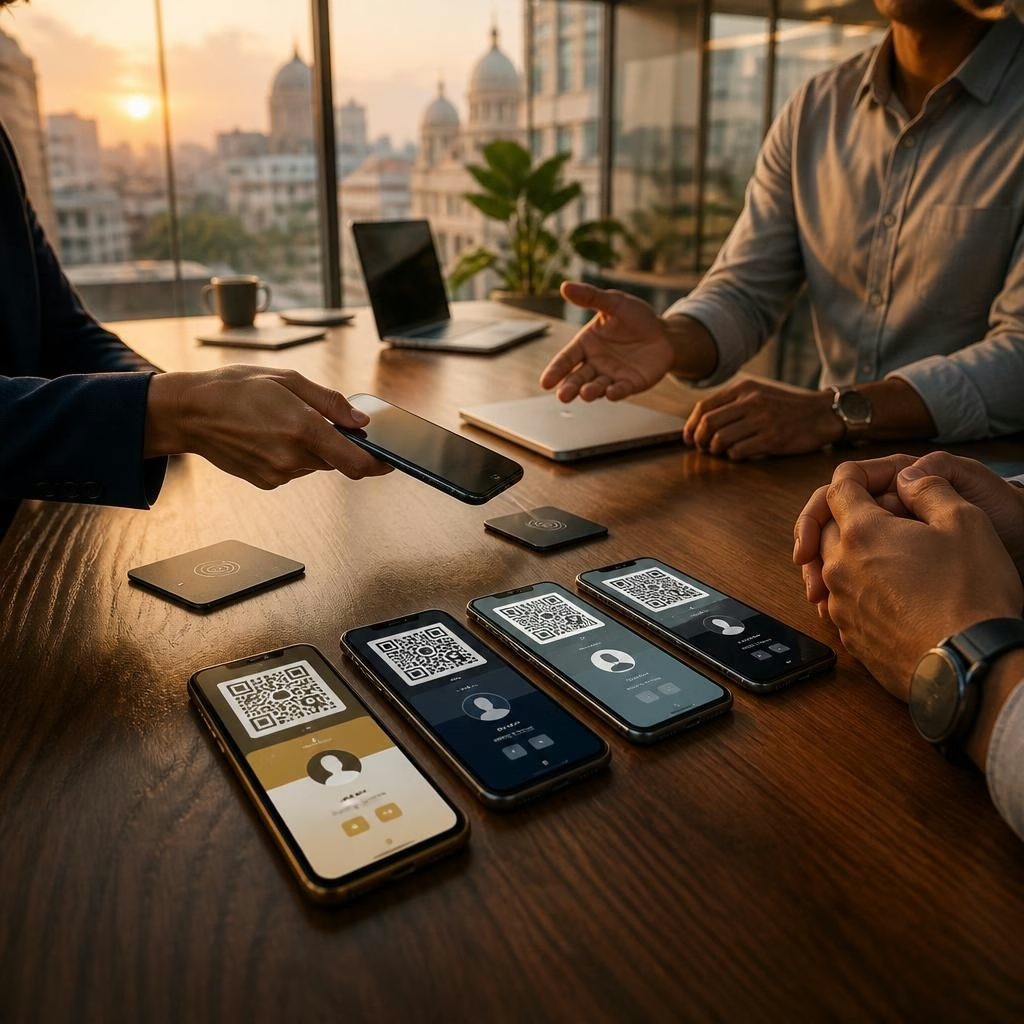
Populate the chosen template with the spreadsheet content and generate each staff member’s card URL. Decide how each person will share their card: link via chat/email, QR code on printed material, or an NFC card for contactless taps. For customer-facing roles consider NFC physical cards or key-fobs; for remote roles a shareable link and QR in email signatures can suffice. Keep a central folder of the generated links and QR images for quick access by reception or sales teams.
Day 4 — Design QR placement and signage
Turn QR codes into visible touchpoints: front-desk signage, reception counters, shop windows, product labels, invoices and meeting room doors. Use a brief instruction line (e.g., “Scan to view our digital card and portfolio”). Place codes at chest height or near counters for easy scanning, avoid glare and busy backgrounds, and include a short printed URL for phones that don’t scan easily. QR codes also work on marketing collateral and vehicle decals; test scanning from typical customer distances before printing larger signs.
Day 5 — Train staff on sharing etiquette
Run a 20–30 minute training for employees covering three sharing methods: tapping an NFC card to a phone, scanning a QR code, and sending the link in chat or email. Teach simple scripts for in-person handovers (e.g., “I’ll tap my card to your phone—just hold your phone near this spot”) and for virtual meetings (“I’ve shared my digital card link in chat for quick access”). Emphasize privacy (ask before sharing contact details publicly) and follow-up actions — how to save contacts or open the mini website and next steps for interested prospects.
Day 6 — Soft launch and feedback loop
Deploy the cards internally and to a small group of clients to test real-world use. Collect quick feedback on clarity, missing information and scanning/tapping reliability. Customers of digital card services often note quick turnaround and responsive support, so use that support channel to resolve issues promptly. Make iterative content updates (photos, links, CTAs) based on feedback.
Day 7 — Full launch, tracking and ongoing use
Replace the paper card distribution gradually: keep a small stock for formal events but direct most contacts to QR and NFC options. Add the digital card link to email signatures, WhatsApp business profiles, LinkedIn profiles and Google Business listings. Monitor engagement through the platform’s analytics (link clicks, page views) and follow up on leads generated. Plan quarterly reviews to refresh content, update promotions or swap featured CTAs. Across India and internationally, the same steps help businesses stay paperless, brand-consistent and faster to respond to new opportunities.
Article by
DigiCarda: Digital Visiting Card | Digital Business Card
DigiCarda - is a fully interactive, mobile based Digital Business Card Mini Website Brochure and so much more Call: 81110 81114 For Demo today !! 3 Ways To Share: 1. Share your card to anyone via a link. 2. Tap your NFC Card to Another Phone. 3. Scan QR Code to open the card. We are one stop solution for your Digital Visting Card. Digital Business Card or you Digital Landing page needs. Our digital business card platform makes designing a card simple, convenient, and reliable. This is a business card that is smart elegant and affordable. All in One: Digital Visiting Card Mini Website Personal Profile Page Landing Page Get in touch today!!