Digital Visiting Cards for Trainers and Coaches in India: Capture Every Lead
Practical guidance for fitness trainers, life coaches and corporate trainers on using digital visiting cards to showcase programs, schedules, testimonials and payment options, and to capture and follow up leads from workshops and seminars.
Why digital visiting cards matter for trainers and coaches
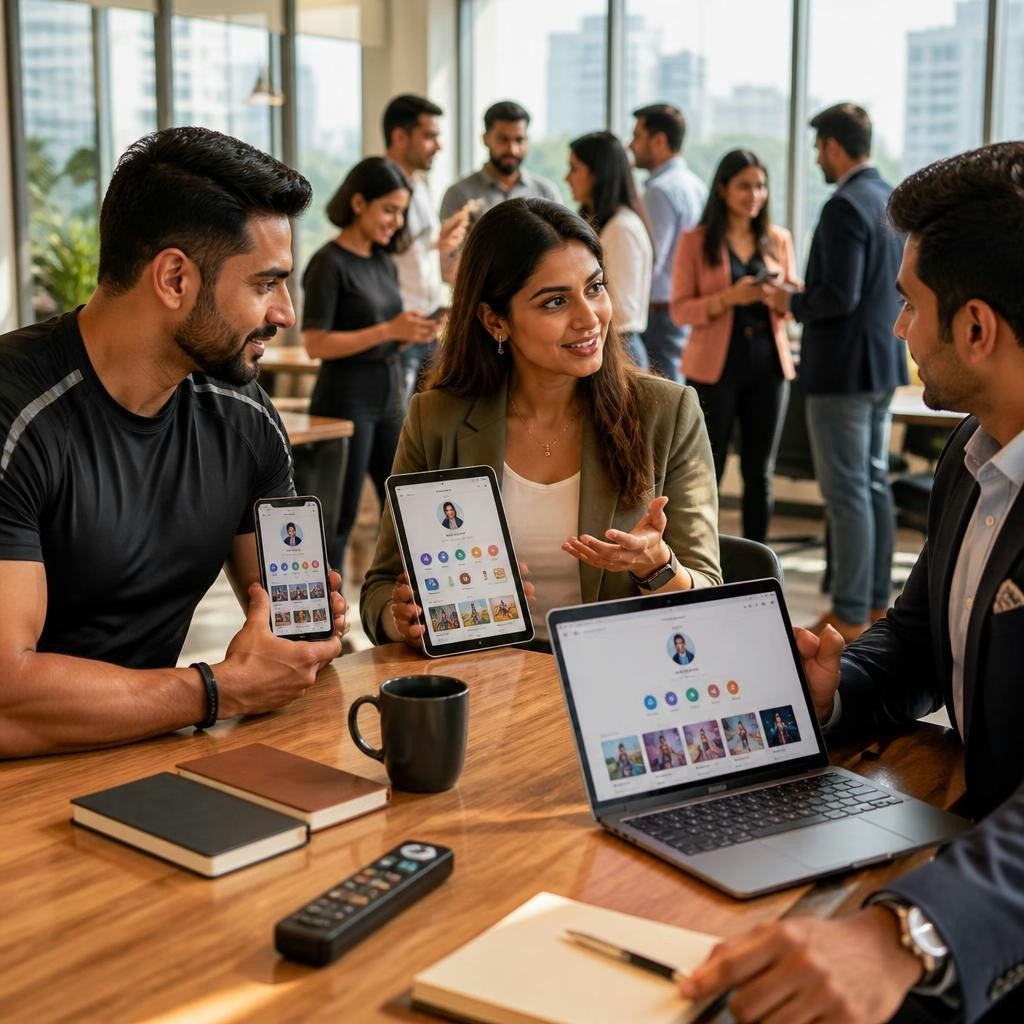
Trainers and coaches rely on relationships and quick connections. A digital visiting card replaces paper cards with a mobile-first profile that prospects can open instantly via link, QR code or NFC. That immediacy makes it easier to share schedules, program details and contact options on the spot—important at crowded events, classes or corporate sessions. Digital cards also remove the hassle of reprinting and make it simple to update offerings across India and international markets without delay.
What to include: the essentials that convert
A high-converting digital card focuses on clarity and action. Key elements to include are a short bio, clear program or package descriptions, class schedules or availability, pricing or package tiers, client testimonials, short demo videos or images, and direct contact options (phone, email, WhatsApp). Add a prominent call-to-action (CTA) such as Book a Session, Join Waiting List, or Request Free Consultation. Since many platforms support mini websites or landing pages, use those sections to expand on program details without cluttering the main card.
Using cards at workshops and seminars to capture leads
At in-person events, make lead capture frictionless: display a large QR code on slides and banners for instant scans, offer NFC cards to tap between phones, or share a short link through event chat or SMS. Ask attendees to scan or tap in exchange for a free resource—an exercise PDF, a short video, or a discount code. That immediate exchange encourages opt-ins and gives you contact permission to follow up after the event.
Collecting payments and booking through your card
Digital cards can streamline booking and payments by linking to your preferred scheduling or payment provider. Include buttons that open a booking calendar, a payment page, or a one-click checkout for a package. If you prefer offline collection, provide clear next steps (e.g., 'Pay by link sent to WhatsApp'). Avoid promising payment processing features unless you have an integrated provider; instead, link to the systems you already use so prospects can complete a purchase quickly and securely.
Lead capture workflows and follow-up best practices
Convert interest into clients by pairing the card with a simple workflow: capture contact info via a form or sign-up button, tag leads by interest (e.g., group classes, one-on-one coaching), and schedule a follow-up. A timely follow-up—ideally within 24–48 hours—keeps momentum from workshops and demonstrations. Use short, personalised messages referencing the session, attach the relevant program link from your card, and include a clear next step (trial class, call, or payment link). Many trainers find automated acknowledgements and reminders useful to reduce manual follow-up.
Design tips for credibility and conversion
Design your digital card with readability and trust in mind. Use a professional profile photo, consistent brand colors and concise headings. Highlight 2–3 core services or programs rather than listing everything. Add one or two client testimonials or short case notes, and include a short video or audio introduction if relevant. Make CTAs visually distinct and test them on a phone to ensure tap targets and links work reliably. Platforms that let you update content instantly are especially helpful when you change schedules or launch promotions.
Practical examples and getting started
Consider these simple scenarios: a yoga instructor in Mumbai uses a QR code on class flyers to collect registrations and share a trial-pass link; a personal trainer in Delhi taps an NFC card to share program details and a payment link after a free demo; a corporate trainer in Bengaluru hands out a mini-website link at a seminar that lists upcoming courses and corporate packages. To get started, choose a template, add your schedule and testimonials, enable QR/NFC sharing, and test every link on a mobile device. If you need help setting up or want a demo, the DigiCarda team provides guided onboarding and quick setup—many customers highlight prompt, supportive service—so you can focus on coaching while your digital card captures every lead.
Article by
DigiCarda: Digital Visiting Card | Digital Business Card
DigiCarda - is a fully interactive, mobile based Digital Business Card Mini Website Brochure and so much more Call: 81110 81114 For Demo today !! 3 Ways To Share: 1. Share your card to anyone via a link. 2. Tap your NFC Card to Another Phone. 3. Scan QR Code to open the card. We are one stop solution for your Digital Visting Card. Digital Business Card or you Digital Landing page needs. Our digital business card platform makes designing a card simple, convenient, and reliable. This is a business card that is smart elegant and affordable. All in One: Digital Visiting Card Mini Website Personal Profile Page Landing Page Get in touch today!!