Digital Visiting Cards for Makeup Artists, Salons and Beauty Studios in India
Practical guidance for beauty professionals on turning a digital visiting card into a mini portfolio — including before/after galleries, service menus, pricing ranges, booking links and Instagram reels — so walk-in and referral clients can view and share your work easily.
Why a digital visiting card matters for beauty businesses
For makeup artists, salons and beauty studios, first impressions are visual and immediate. A digital visiting card acts as a compact, always-available mini website and portfolio that replaces or complements paper cards. It captures photos, videos, service lists and contact methods in one place — making it easier for walk-in clients, referrals and social followers to view your work, check prices and book appointments without hunting for multiple links.
What to include: the essential mini-portfolio elements
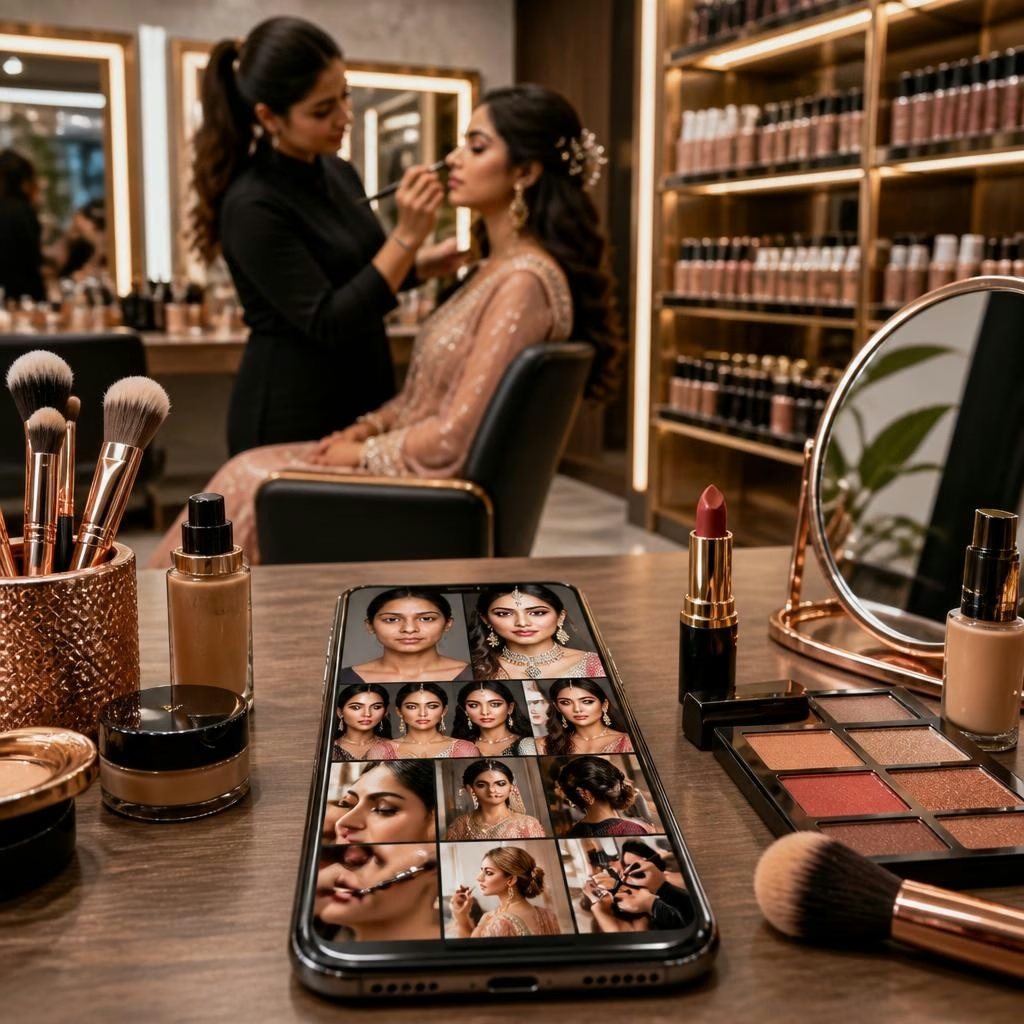
Design your digital card to answer common client questions quickly. Key sections to include are: a concise bio and signature look, a gallery of high-quality before–after photos, short Instagram reels or demo videos, a clear service menu with price ranges (or starting prices), available packages, and direct booking or enquiry links. Also add contact options (phone, WhatsApp), social profiles, location or service areas, and client testimonials to build trust.
How to present before–after photos and reels effectively
Choose 6–12 of your strongest transformations that show variety (bridal, editorial, corrective work). Use consistent lighting and simple backgrounds where possible, and add short captions: service provided, client type and any styling notes. For reels or short videos, include a 10–30 second highlight that shows the process or the final look. The mini-website format of a digital card lets you feature thumbnails that open full-size images or play embedded reels — ideal for social sharing and referrals.
Service menus, pricing ranges and booking links that convert
List services in clear categories (e.g., bridal makeup, party makeup, hair styling, grooming) with starting prices or price ranges rather than exact quotes unless you offer fixed packages. Provide at least one friction-free booking method: a direct calendar link, a WhatsApp booking button, or a short enquiry form on the card. Where available, link to an external booking platform or your salon’s appointment page — the goal is to reduce clicks between discovery and booking.
Sharing technology: NFC, QR and instant links
Modern digital cards can be shared three ways: a tappable NFC card, a scannable QR code, and a simple shareable link. NFC is particularly useful at events or in-studio: a client taps the physical card to their phone and your mini-portfolio opens instantly. QR codes work well on print materials, salon windows or business cards. Shareable links are ideal for messaging apps and social bios. These options make it easy for clients and colleagues to save and forward your profile.
Real customer experience and the value of prompt support
Beauty professionals value quick, helpful onboarding and simple, innovative tools. For example, a customer in the makeup community reported that the team responded quickly, guided them through setup, and highlighted the NFC feature as a useful innovation — they were comfortable recommending the platform to peers. Consistent support while you build your portfolio and set up booking links helps you launch faster and use the card confidently in salons, at events and on social channels.
Practical checklist and next steps for salons across India
Start with a short checklist: (1) select signature photos and one demo reel, (2) write a concise service menu with price ranges, (3) add contact and booking links (WhatsApp, calendar or form), (4) enable QR + NFC sharing and (5) test the card on different phones. DigiCarda’s mini-website format works across India and international markets, so you can use it for local walk-ins and for clients who find you online. When you’re ready, request a demo or support to tailor the layout and sharing options so the card reflects your brand and converts more enquiries into bookings.
Customer review


Article by
DigiCarda: Digital Visiting Card | Digital Business Card
DigiCarda - is a fully interactive, mobile based Digital Business Card Mini Website Brochure and so much more Call: 81110 81114 For Demo today !! 3 Ways To Share: 1. Share your card to anyone via a link. 2. Tap your NFC Card to Another Phone. 3. Scan QR Code to open the card. We are one stop solution for your Digital Visting Card. Digital Business Card or you Digital Landing page needs. Our digital business card platform makes designing a card simple, convenient, and reliable. This is a business card that is smart elegant and affordable. All in One: Digital Visiting Card Mini Website Personal Profile Page Landing Page Get in touch today!!