Digital Visiting Cards for Makeup Artists and Salons in Delhi — What to Include to Turn Views into Bookings
Practical guidance for makeup artists and salon owners on structuring a DigiCarda digital visiting card — what sections to include, how to present galleries and social links, and which call-to-action buttons convert profile views into bookings.
Why a digital visiting card matters for beauty professionals
Makeup artists and salons compete on convenience, trust and visual proof. A mobile-first digital visiting card replaces paper cards and mini websites by putting your services, portfolio and contact actions in one tappable profile. For busy beauty pros—freelancers, bridal artists and salon owners—instant sharing (link, QR or NFC tap) reduces friction when potential clients ask for your details and makes follow-up easier.
Start with clear contact and booking actions
Prominently display a WhatsApp click-to-chat button, a direct call button and a simple online booking link or form. Label one primary call to action (for example: Book Trial, Schedule Consultation, or WhatsApp to Book) so visitors know the next step immediately. Include opening hours, approximate response times and a short note about on-location or studio appointments to set expectations.
Structure your service list for quick decisions
Organise services into short, scannable categories: signature looks (bridal, party, editorial), treatments (facials, hair services) and add-ons (lash extensions, touch-ups). Use 2–3 bullet points per service: what’s included, typical duration and whether a trial is available. If you offer package deals (bridal trial + wedding day), present them as clear bundled options to reduce questions and speed booking decisions.
Design an effective before/after gallery
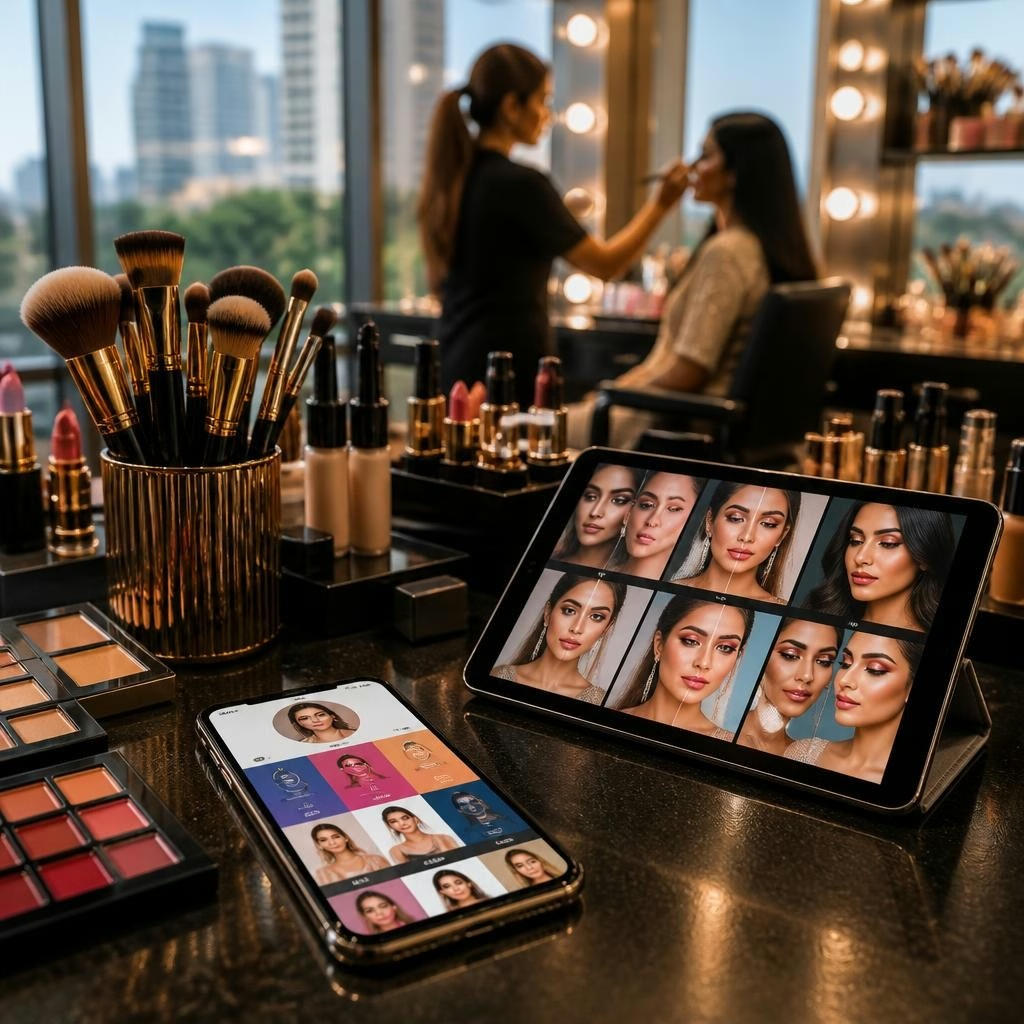
High-quality before-and-after images are often the decisive factor for beauty clients. Show consistent lighting, simple backgrounds and a brief caption for each image with the service used, date and client note (e.g., ‘bridal look — soft glam’). Group images by service so visitors can quickly find examples relevant to their needs. Short video clips or a 15–30 second time-lapse of a transformation increase engagement on mini websites and card profiles.
Add social proof: Instagram, testimonials and short videos
Link your Instagram and other social channels so viewers can explore more work and recent stories. Embed a few short client testimonials and a concise FAQ addressing common concerns (sanitation practices, travel policy, deposit requirements). Reviews and positive onboarding experiences reported by customers show that quick responses and helpful guidance increase trust, so highlight that you respond promptly and assist with bookings.
Location, service area and travel details
List your studio address clearly and include a map pin for easy directions. If you travel for assignments, add a separate section that outlines areas served (for example, specific neighbourhoods in Delhi or nearby cities) and any travel fees or minimum booking requirements. Use the DigiCarda profile’s mini website area to explain whether you operate from a fixed salon, offer home visits, or service events.
Lead capture and follow-up features to convert interest
Include a short lead capture form (name, service interest, preferred date) and an option to subscribe for appointment reminders or promotional SMS. Place a compact ‘Request Quote’ or ‘Ask About Availability’ button near service listings. Where possible, set expectations for follow-up—mention typical reply windows—and keep contact buttons visible throughout the card so a visitor can act from any section.
Practical tips to increase bookings from your card
Keep your portfolio current and prune older images that no longer reflect your style. Use concise, benefit-focused copy—what problem you solve (e.g., natural long-wear bridal makeup)—and maintain consistent branding across profile images and social links. Make NFC and QR sharing seamless at events and include a single-line promotional offer (first-appointment discount or referral incentive) to nudge bookings. Finally, rely on professional onboarding support if available; many users find quick setup and guidance helpful when launching their digital card.
Customer review


Article by
DigiCarda: Digital Visiting Card | Digital Business Card
DigiCarda - is a fully interactive, mobile based Digital Business Card Mini Website Brochure and so much more Call: 81110 81114 For Demo today !! 3 Ways To Share: 1. Share your card to anyone via a link. 2. Tap your NFC Card to Another Phone. 3. Scan QR Code to open the card. We are one stop solution for your Digital Visting Card. Digital Business Card or you Digital Landing page needs. Our digital business card platform makes designing a card simple, convenient, and reliable. This is a business card that is smart elegant and affordable. All in One: Digital Visiting Card Mini Website Personal Profile Page Landing Page Get in touch today!!