Creating a Main Digital Visiting Card with Location-Specific Subpages for Multi-Branch Businesses in India
Practical guidance for institutes, clinics, salons and retail chains on structuring one central digital business card plus branch-level subpages so customers find the right phone number, map and information every time.
Why multi-location businesses need a single master card with branch pages
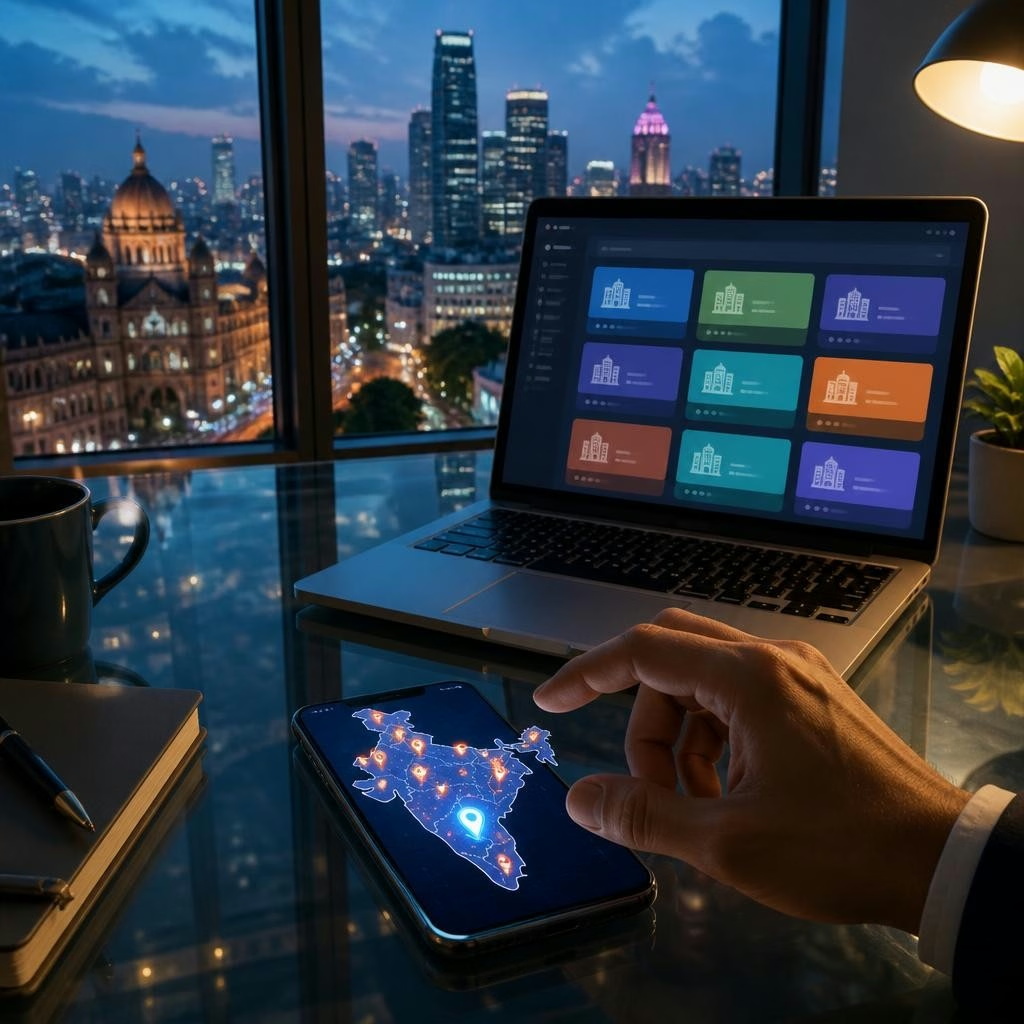
Multi-branch organisations—training institutes, clinics, salons and retail brands—benefit from a single, on-brand digital visiting card that points customers to location-specific details. A master digital card acts as the persistent brand entry point (mini website or landing page) while branch subpages provide the local phone number, address and directions. This approach keeps branding consistent, reduces duplicate content, and ensures customers reach the correct branch quickly whether they search from a mobile, scan a QR code or tap an NFC card.
What the master card should include
The main, or brand-level, digital card should present the organisation’s core identity: logo, brief description of services, a primary contact method, links to social profiles, and a clear navigation link to a ‘Locations’ or ‘Branches’ section. Using DigiCarda’s mini website / landing page format makes it easy to centralise brand messaging while exposing per-branch options. Keep the master page focused on brand-level value and a simple path to the right local page—don’t overload it with dozens of local details.
What each location-specific subpage should show
Each branch subpage should contain the essentials customers expect: branch name, exact street address, the correct local phone number, a link to Google Maps (or an embedded map where supported), opening hours, and the services available at that branch. If a branch has a designated manager or appointment contact, include that person’s role and preferred contact method. Short photos of the outlet or team and clear notes about parking or accessibility can also reduce customer confusion.
Sharing options that make location access instant
To get customers to the right subpage immediately, use multiple sharing methods: direct link sharing, QR codes that open the branch page, and NFC-enabled physical cards that tap to open the exact location. DigiCarda supports link sharing, QR access and NFC cards—so you can hand out a single branded NFC card that opens the master page or program it to open a specific branch URL. This flexibility is particularly useful for staff who need to share branch details in person or on social channels.
Integrating lead capture and marketing tools
Branch pages can and should connect to your marketing systems. Use UTM-tagged links and integration with marketing automation (where available) to capture leads and see which branches attract the most inquiries. DigiCarda’s platform and related services (digital marketing, marketing automation) can be used to route inquiries, aggregate contact data and feed analytics—helping you measure conversions by location and refine local promotions without changing your central brand page.
A recommended rollout process for multiple locations
Start by building a master template that defines visual identity, menu structure and the mandatory fields each branch page must include. Create one completed branch page as a template example, then produce the remaining subpages using the same structure. Test each branch link, phone number and map URL on mobile devices and with QR/NFC. Train location managers or a central coordinator to update hours or temporary closures so the platform remains accurate across all outlets.
How this helps different sectors across Indian cities
For institutes, clear branch pages reduce missed calls and misdirected attendees; clinics prevent appointment mix-ups by giving the right local phone and map; salons can advertise branch-specific stylists or promotions; retail brands can show stock or store-specific services. This structure works for businesses across India—from busy metro areas to smaller cities—because customers using mobile devices expect instant, localised information. Customers who have used DigiCarda frequently highlight fast setup and professional support, which makes deploying multi-location cards quicker and more reliable.
Next steps and getting started
If you manage multiple locations, begin by listing the exact contact details and maps for each branch and decide which sharing methods (link, QR, NFC) you will use in customer interactions. DigiCarda offers mini websites and digital business cards designed for this structure; for a demo and practical guidance on templates and branch setup, contact the team to walk through examples and launch options. Call 81110 81114 to schedule a demo and discuss how to implement a master card plus location subpages for your organisation.
Article by
DigiCarda: Digital Visiting Card | Digital Business Card
DigiCarda - is a fully interactive, mobile based Digital Business Card Mini Website Brochure and so much more Call: 81110 81114 For Demo today !! 3 Ways To Share: 1. Share your card to anyone via a link. 2. Tap your NFC Card to Another Phone. 3. Scan QR Code to open the card. We are one stop solution for your Digital Visting Card. Digital Business Card or you Digital Landing page needs. Our digital business card platform makes designing a card simple, convenient, and reliable. This is a business card that is smart elegant and affordable. All in One: Digital Visiting Card Mini Website Personal Profile Page Landing Page Get in touch today!!